Introduction
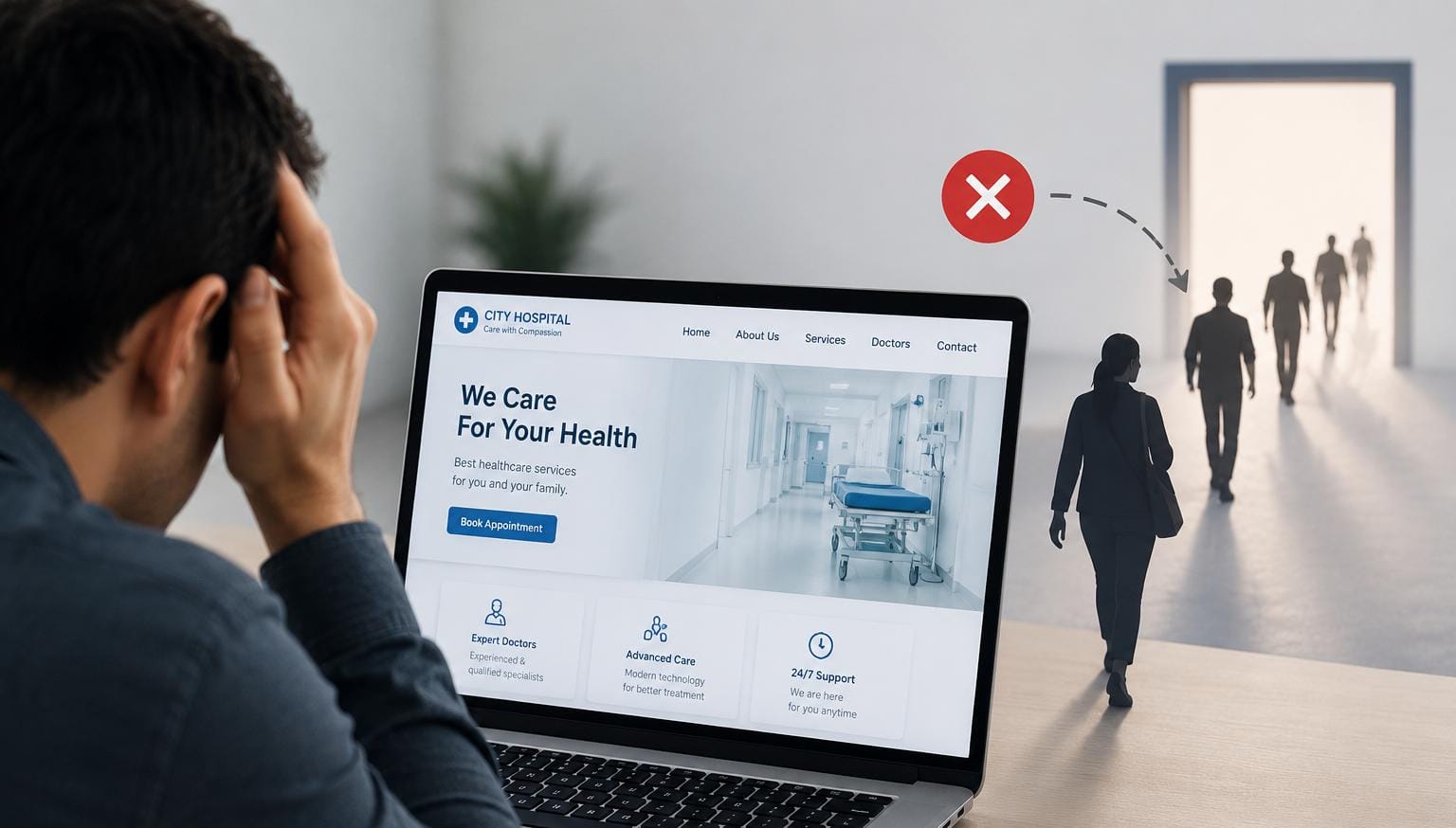
Before a patient ever calls your reception desk, they've likely already visited your website — searching for your specialities, checking doctor credentials, or trying to book an appointment. If that experience is slow, outdated, or confusing, many patients simply move on to the next hospital in their search results. For Indian hospitals competing for patients online, a weak website isn't just a missed opportunity — it's an active source of lost patients.
Common Reasons Hospital Websites Lose Patients
1. Slow Loading Times
Patients, especially on mobile data, abandon slow-loading pages within seconds. A hospital website that takes too long to load loses visitors before they even see what's on offer — regardless of how good the actual care is.
2. Not Mobile-Friendly
Most patients now search and browse on their phones. A website designed primarily for desktop, with tiny text or broken layouts on mobile, frustrates the majority of visitors immediately.
3. No Online Appointment Booking
If booking an appointment requires a phone call during office hours, many patients — particularly younger, digitally comfortable ones — will simply look elsewhere for a hospital where they can book in a few taps, any time.
4. Outdated or Missing Doctor Information
Patients want to know who they'll be seeing — qualifications, specialities, experience. A website with missing or outdated doctor profiles creates doubt at exactly the moment a patient is deciding whether to trust your hospital.
5. Confusing Navigation
If a patient can't quickly find the speciality they need, your contact details, or directions to your hospital, they'll back out and search again — often landing on a competitor's site instead.
6. Lack of Trust Signals
Patients look for accreditations, certifications, testimonials, and clear contact information before trusting a healthcare provider. A bare-bones website without these signals can make even a well-regarded hospital look uncertain.
7. Poor Search Visibility
A hospital that doesn't show up when patients search for relevant specialities or "hospital near me" is invisible to a large share of potential patients, no matter how good the website looks once they find it.
How to Fix It: A Practical Checklist
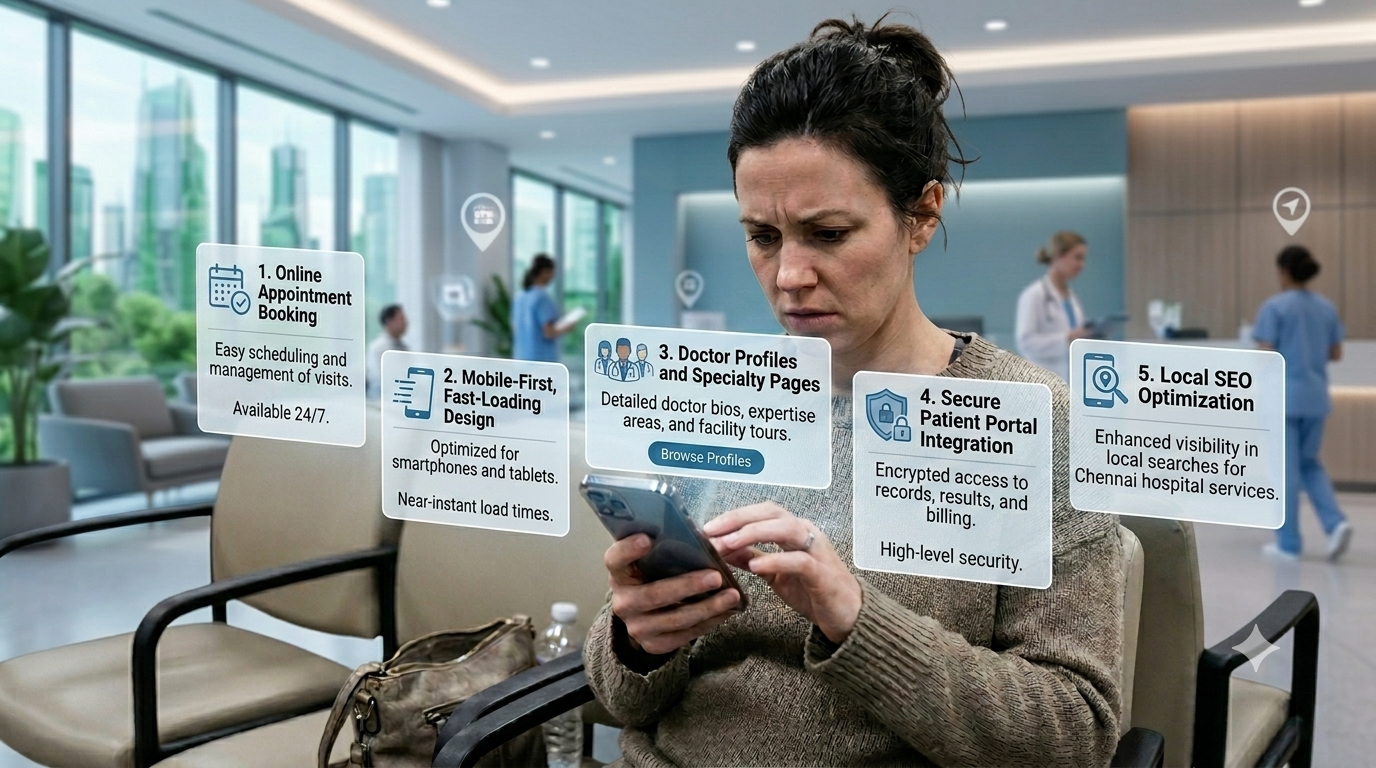
- Prioritise Mobile-First Design — design and test for mobile screens first
- Add Online Appointment Booking — let patients book directly on the website
- Keep Doctor Profiles Current — accurate, detailed profiles for every doctor
- Simplify Navigation — structure around what patients are actually looking for
- Build in Trust Signals — accreditations, testimonials, clear contact information
- Invest in Local SEO — optimise for the searches patients actually use
- Monitor Performance Regularly — track load speed, mobile usability, booking conversions
How MedXL Helps Hospitals
At MedXL, we build hospital websites that fix the exact problems above. Here's how our website solution addresses each one:
- Mobile-first build so the site loads fast on phones most patients use to search
- Integrated online appointment booking so patients can book in a few taps
- Doctor profile pages kept current — qualifications, specialities, and availability
- Clear, patient-first navigation built around specialities, doctors, and booking
- Trust signals built in — accreditations, testimonials, and verified contact details
- Local SEO built into the site from day one
- Monthly performance dashboards covering traffic, bookings, and patient acquisition
- Ongoing website management and support as your hospital and doctors change
Frequently Asked Questions
Conclusion
Your hospital website isn't just a digital brochure — it's often the deciding factor in whether a patient chooses your hospital at all. Slow load times, missing booking options, and outdated information quietly push patients toward competitors every single day. These are fixable problems, and hospitals that address them consistently see more patients follow through from search to appointment.